Receive data FROM the CNC
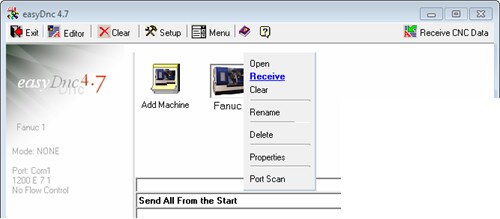
To receive data from the CNC you need to put easyDnc into ‘receive’ mode.
Click the relevant CNC icon with the RIGHT mouse button and select ‘Receive’ from the menu.
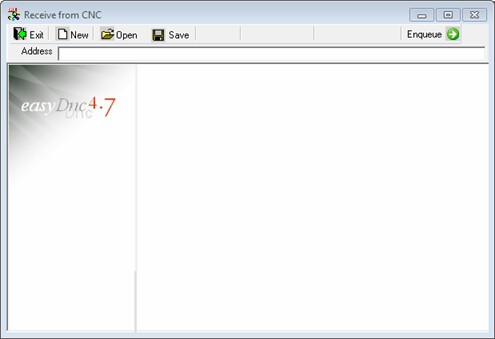
The window for receiving CNC data appears.

To receive data from the CNC you need to put easyDnc into ‘receive’ mode.
Click the relevant CNC icon with the RIGHT mouse button and select ‘Receive’ from the menu.
The window for receiving CNC data appears.


